


Your store is getting traffic. But where are the sales?
You launched your Shopify store with high hopes. You picked a theme, uploaded products, maybe even ran some ads. The visitors are coming in, but your conversion rate is stuck somewhere between “disappointing” and “panic-inducing.”
Here’s the hard truth: the average Shopify store converts at just 1.4%, while top performers hit 3.2% to 4.7% or higher. That gap isn’t about traffic quality or product pricing. It’s about friction: tiny, invisible cracks in your customer journey that send shoppers straight to your competitors. If that sounds familiar, our deep dive on why your Shopify store has traffic but no sales walks through the same diagnosis from a UX angle.
In 2026, customer expectations are brutal. They want instant load times, thumb-friendly navigation, transparent pricing, and checkout flows smoother than their morning coffee order. When your store falls short, they don’t complain, they bounce.
The good news? Most of these profit-killers are completely fixable. Let’s break down the 12 most common Shopify mistakes draining your revenue and exactly how to plug the leaks.
1. Your Store Loads Like It’s Running on Dial-Up
Speed is the silent assassin of eCommerce. Research from Deloitte and Google shows that every 0.1-second improvement in page speed can boost mobile retail conversions by over 8%. Yet many stores are weighed down by uncompressed hero images, bloated themes, and a graveyard of unused apps.
When customers have to wait for product images or checkout elements to load, they don’t patiently stand by, they leave. A one-second delay can slash conversions by 7%.
The Fix:
- Compress every image with TinyPNG or Shopify’s built-in optimiser before uploading
- Enable lazy loading so visuals only load when scrolled into view
- Audit your apps quarterly and remove anything not directly driving revenue
- Choose a lightweight, performance-optimised theme
- Test regularly with Google PageSpeed Insights and monitor Core Web Vitals
For a deeper technical walkthrough, see our guide on how to fix CLS and Core Web Vitals on Shopify.
2. Your Store Looks Like a Template (Because It Is)

Shopify makes launching easy. Too easy. A default theme with swapped colors and an uploaded logo doesn’t build a brand, it builds anonymity. Your website is often the first interaction a customer has with your business. If it screams “I built this in a weekend,” visitors hesitate to hand over their credit card.
The Fix:
- Develop a clear visual identity with consistent colors, typography, and photography style
- Invest in professional product photography, non-negotiable in 2026
- Create strong visual hierarchy with well-designed CTAs that guide the eye
- Consider custom Shopify development if your brand needs unique functionality beyond theme limitations
- Ensure branding is consistent across every page, email, and touchpoint
If you’re weighing your options here, our comparison of custom themes vs. ready-made themes and our guide to choosing the right Shopify theme for your business are good next reads. And if your needs go beyond what any theme can do, learn how to choose the right Shopify development partner before you commit budget.
3. You’re Ignoring the 60% Shopping on Their Phones

Over 60% of eCommerce traffic now comes from mobile devices. But most stores are still designed desktop-first, with mobile treated as an afterthought. The result? Overlapping text, buttons too tiny to tap, horizontal scrolling, and checkout flows that feel like a maze on a 6-inch screen.
Mobile cart abandonment rates exceed 80% in many stores. If your store isn’t genuinely easy to shop on a phone, not just “technically responsive,” you’re hemorrhaging sales.
The Fix:
- Test on real devices, not just Shopify’s preview tool
- Ensure tap targets are at least 44px for easy thumb interaction
- Simplify mobile navigation with hamburger menus and sticky “Add to Cart” buttons
- Enable accelerated checkout options like Apple Pay, Google Pay, and Shop Pay
- Eliminate pop-ups that cover critical content on mobile
This is really a subset of a bigger principle: why user experience matters more than features in eCommerce. Get the fundamentals right and mobile friction tends to disappear with it.
4. Your Product Pages Are Leaving Customers Guessing
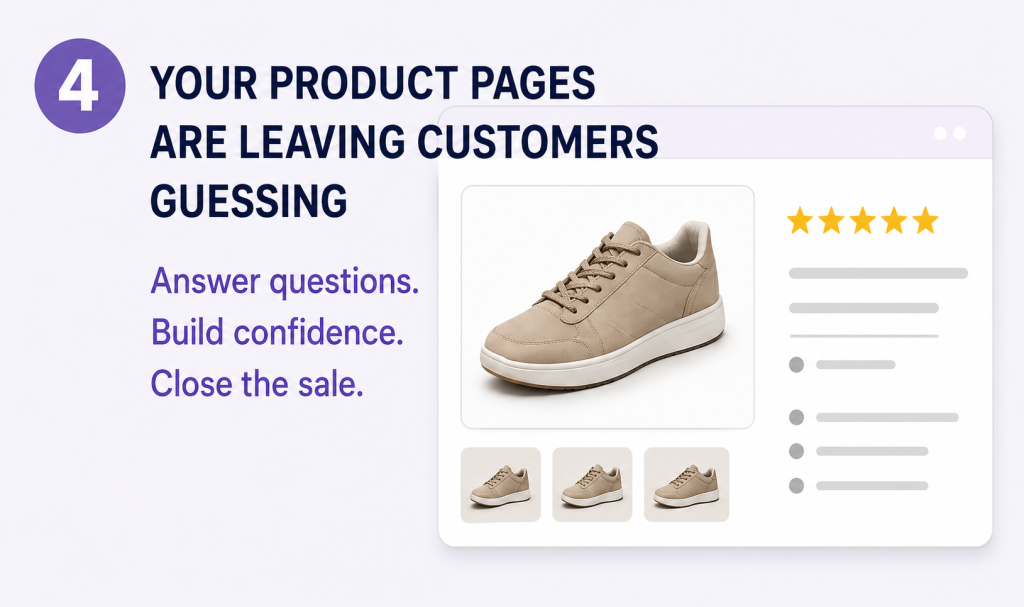
Your product page has one job: give customers enough information and confidence to click “Buy.” A weak page contains a title, two generic lines of text, and a blurry image. That leaves shoppers with unanswered questions, and unanswered questions kill conversions.
Customers can’t touch or try your products online. They rely entirely on your visuals and copy to bridge the trust gap.
The Fix:
- Use high-quality images from multiple angles with zoom functionality
- Add product videos, which can increase conversions by up to 80%
- Write benefit-driven descriptions, not just feature lists (explain how it solves their problem)
- Include lifestyle shots showing the product in real-world use
- Display customer reviews with photos near the “Add to Cart” button
- Add clear size guides, shipping info, return policies, and an FAQ section
Reviews do a lot of this heavy lifting on their own. Check out our roundup of the best product review apps for Shopify to find the right fit for your store.
5. Your Checkout Is an Obstacle Course
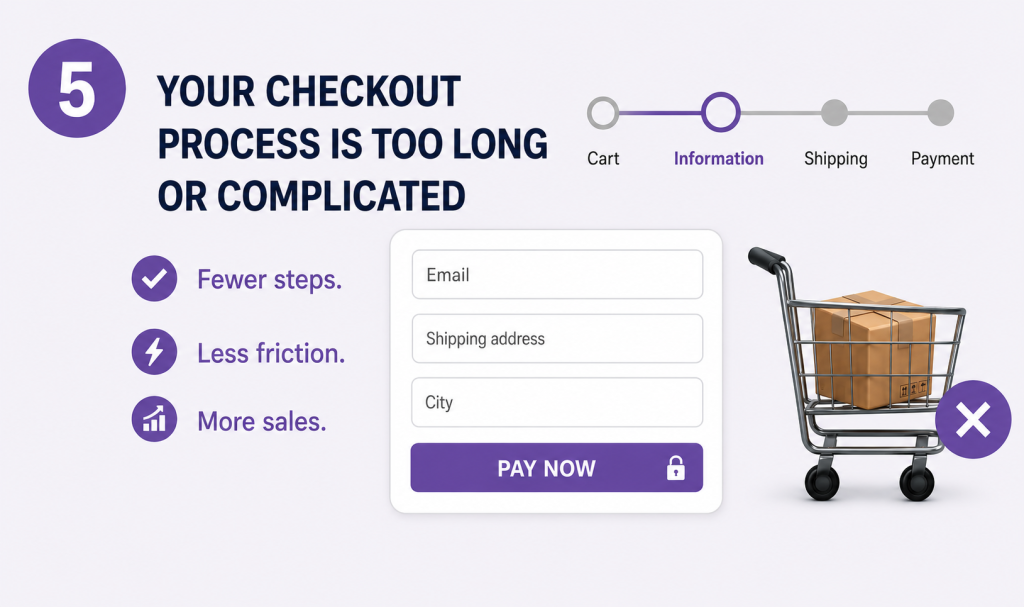
A customer can be 100% ready to buy and still abandon their cart if checkout feels confusing or inconvenient. Forced account creation, hidden shipping fees, limited payment options, and endless form fields are conversion poison.
The Fix:
- Enable guest checkout, never force account creation
- Display all costs upfront (shipping, taxes, fees) before checkout begins
- Minimise form fields, only ask for what’s absolutely necessary
- Offer multiple payment options: Shopify Payments, PayPal, Apple Pay, Google Pay, and buy-now-pay-later (Klarna, Afterpay)
- Add trust badges (SSL, secure payment icons) prominently
- Use Shopify’s streamlined one-page checkout
If you’re on Shopify Plus, our Shopify Checkout Extensibility migration guide covers how to customise checkout without breaking it. And if you’re curious whether Shop Pay’s accelerated experience is available outside Shopify entirely, we’ve covered that too: can you use Shop Pay without Shopify.
6. You’ve Turned Your Store into an App Graveyard

The Shopify App Store is dangerously tempting. Email popups, review widgets, loyalty programs, chat bots, countdown timers, currency converters, and before you know it, your store is carrying a backpack full of rocks. Every app adds scripts, CSS, and HTTP requests that slow down your site and create conflicts.
The Fix:
- Audit your apps ruthlessly: if it doesn’t directly improve conversions or operations, delete it
- Choose multifunctional apps over multiple single-purpose ones
- Keep your app count under 10-15 for optimal performance
- Test speed before and after installing anything new
- Remove unused app code that lingers after uninstallation
We break this problem down in detail in the hidden cost of too many Shopify apps, worth a read before your next install.
7. You’re Invisible on Google (And Paying for Every Visitor)
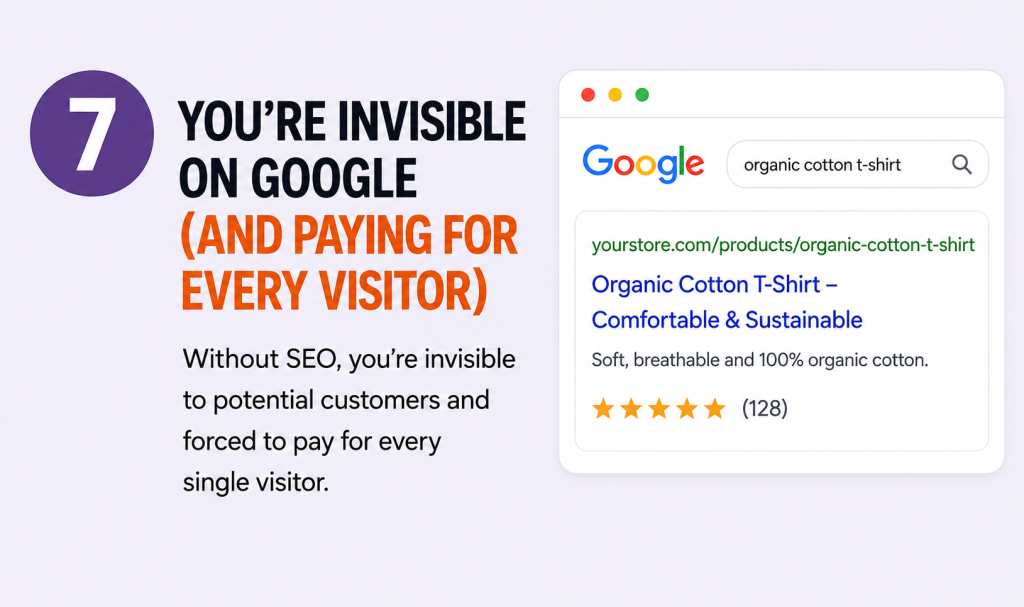
You’re spending hundreds on ads but haven’t optimised a single meta title. Your product URLs look like product-12345 instead of organic-cotton-t-shirt. Without SEO, you’re invisible to customers actively searching for exactly what you sell, forcing you to pay for every single visitor.
The Fix:
- Write unique product descriptions, never copy manufacturer text
- Optimise title tags and meta descriptions with target keywords
- Use descriptive, keyword-rich URLs for every product and collection
- Add alt text to all images for accessibility and image search
- Implement schema markup for rich snippets in Google
- Start a blog targeting long-tail keywords in your niche
For the full playbook, see our complete guide to Shopify SEO.
8. Your Calls to Action Are Playing Hide-and-Seek
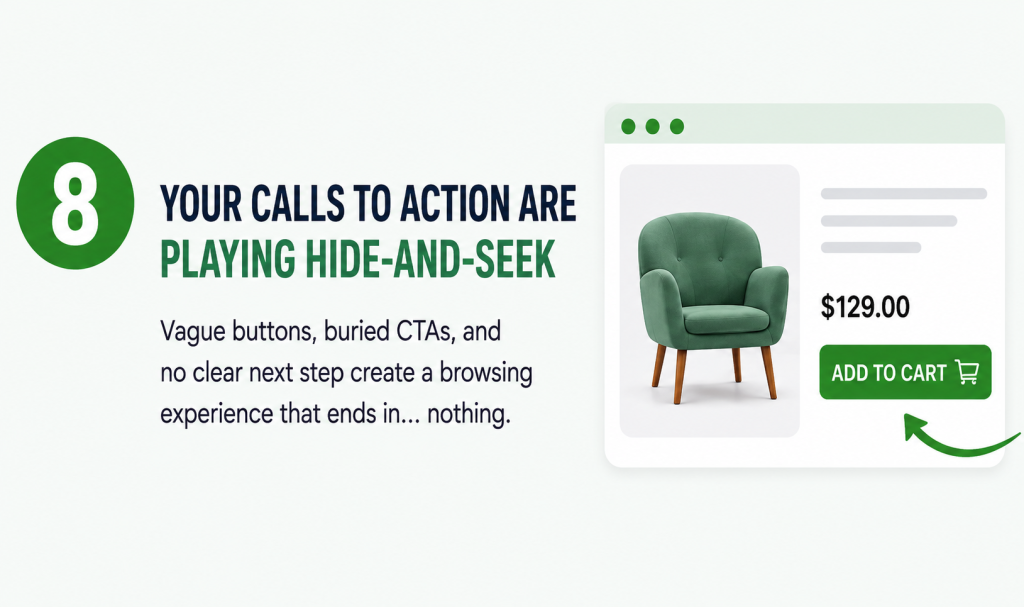
Customers shouldn’t have to figure out what to do next. Vague buttons, buried CTAs, or pages with no clear next step create a browsing experience that ends in… nothing.
The Fix:
- Use action-oriented, obvious language: “Shop Now,” “Add to Cart,” “Get Yours Today”
- Make CTAs stand out visually with contrasting colors
- Place them where customers naturally need them, not just at the bottom of the page
- Ensure your homepage, product pages, and landing pages all have clear, unmissable next steps
CTAs are just one piece of a bigger UX picture. See Beyond the Hype: AI UX for Shopify Brands That Are Scaling for how growing brands are rethinking the entire customer path to purchase.
9. You’re Letting Abandoned Carts Rot
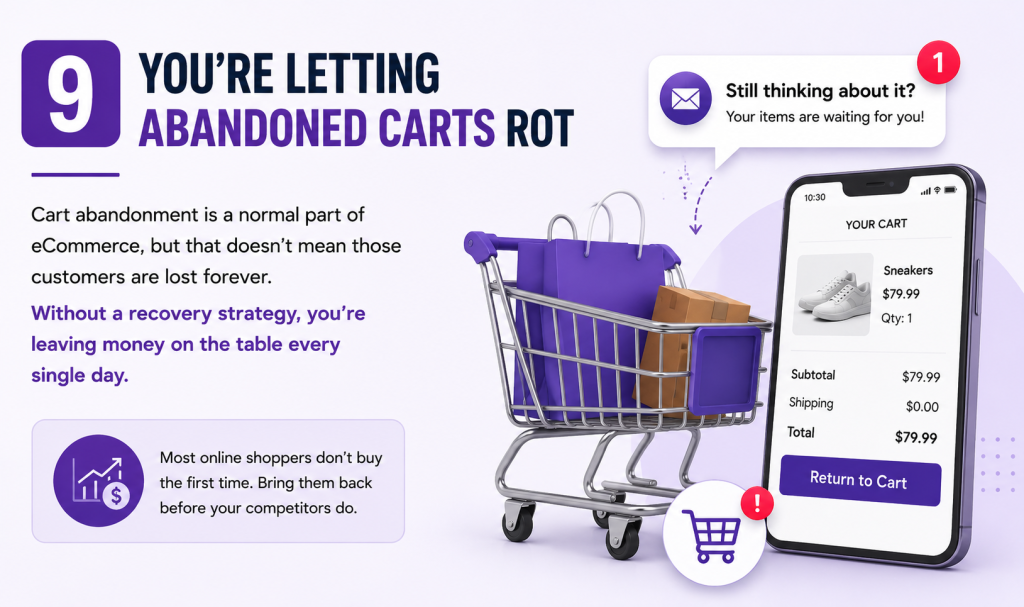
Cart abandonment is a normal part of eCommerce, but that doesn’t mean those customers are lost forever. Without a recovery strategy, you’re leaving money on the table every single day.
The Fix:
- Set up automated abandoned cart emails (send the first within 1 hour, follow up at 24 hours)
- Use retargeting ads to bring window shoppers back
- Offer personalised reminders and product recommendations
- First, understand why customers are abandoning. Is it unexpected shipping costs? A confusing checkout? Fix the root cause before throwing discounts at the problem
Personalisation makes recovery emails far more effective. Our guide on using AI-powered personalisation to increase Shopify sales explains how. And if you’re deciding where to focus your recovery budget, email marketing vs. SMS marketing breaks down which channel actually drives more revenue.
10. Your Store Screams “Don’t Trust Me”
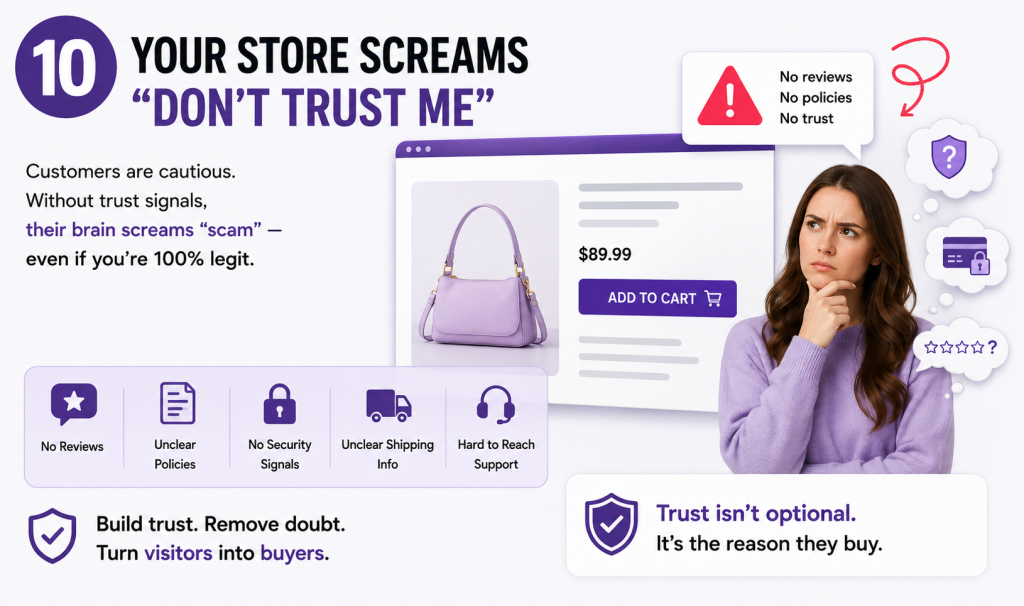
Customers are naturally cautious when buying from an unfamiliar online store. If they don’t see reviews, clear policies, or security indicators, their brain screams “scam,” even if you’re completely legitimate.
The Fix:
- Add customer reviews, ratings, and user-generated content prominently
- Display clear return policies, shipping information, and contact details
- Show secure payment indicators and trust badges
- Include product guarantees where applicable
- Build an FAQ page that addresses common objections before they arise
Trust signals should be locked in before you even launch. Our Shopify pre-launch checklist covers exactly what to have in place. Accessibility matters here too: an inclusive, WCAG-compliant Shopify store signals professionalism to every visitor, not just the ones who need it.
11. You’re Flying Blind on Analytics
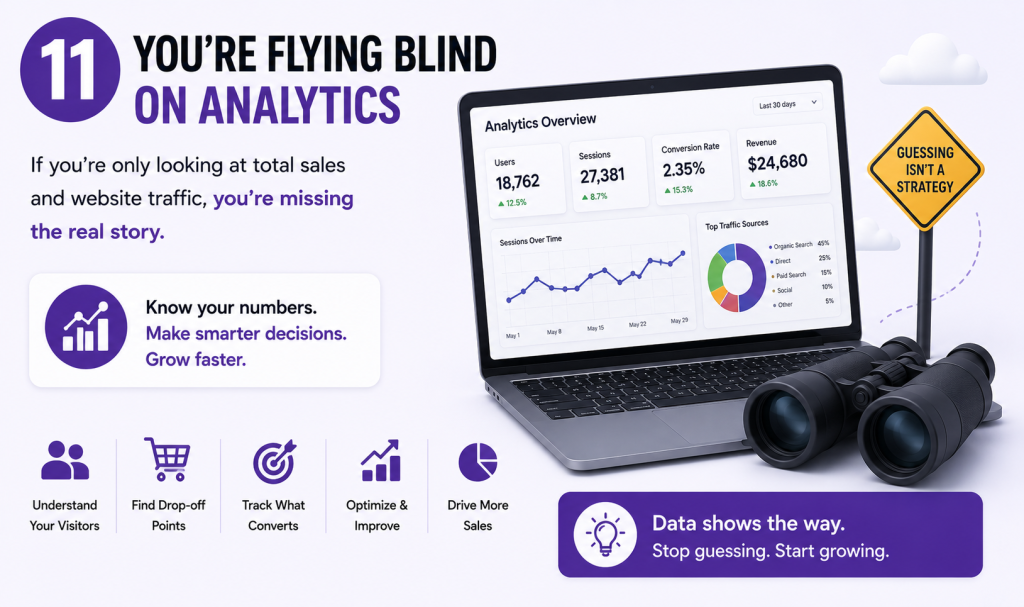
If you’re only looking at total sales and website traffic, you’re missing the real story. You need to know where visitors drop off, which products underperform, and which traffic sources actually convert.
The Fix:
- Set up Google Analytics 4 (GA4) and connect it to your store
- Monitor weekly: conversion rate, bounce rate, cart abandonment rate, average order value
- Identify high-exit pages and optimise them
- Track customer acquisition cost vs. lifetime value. If you’re spending $40 to acquire a customer who spends $60 with a 30% margin, you’re losing $22 on the first order. You need them to come back.
- Run A/B tests on product pages, CTAs, and checkout flows
12. You Treat Your Store Like a Finished Painting
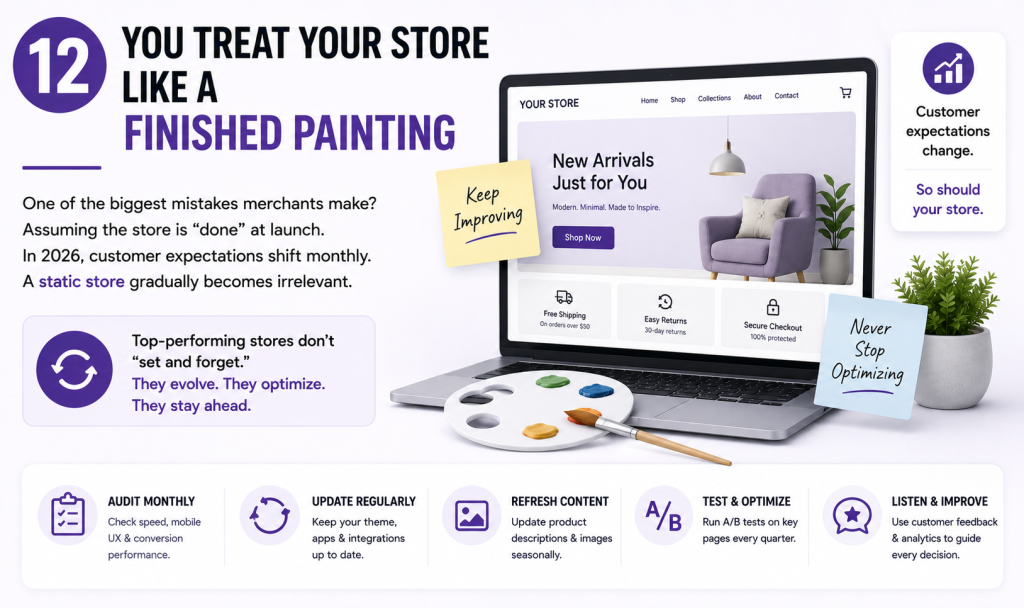
One of the biggest mistakes merchants make? Assuming the store is “done” at launch. In 2026, customer expectations shift monthly. Competitors get sharper. Apps become outdated. A static store gradually becomes irrelevant.
The Fix:
- Schedule monthly performance audits (speed, mobile UX, conversion rates)
- Update your theme and apps regularly
- Refresh product descriptions and images seasonally
- Run quarterly A/B tests on your homepage, product pages, and checkout
- Review customer feedback and analytics data continuously
Top-performing Shopify businesses don’t “set and forget.” They treat optimisation as an ongoing process, automating the repetitive parts wherever they can. Our guide to reducing manual work with Shopify Flow is a good place to start. And if you’re just getting your store off the ground, it’s worth sanity-checking your setup against our list of 10 mistakes new Shopify owners make.
The Compound Effect: Why Fixing Everything Matters
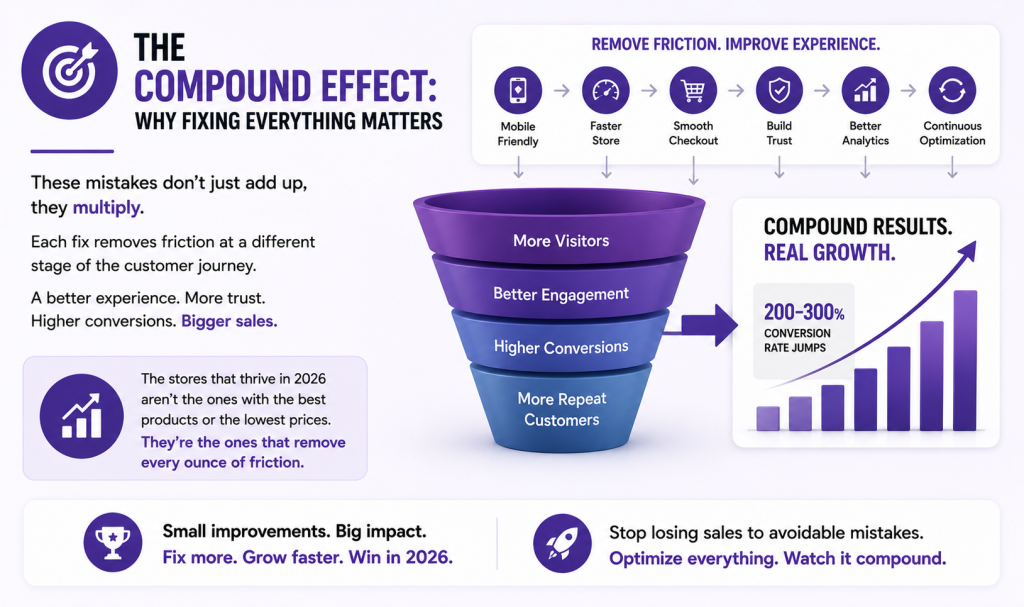
Here’s what most store owners miss: these mistakes don’t just add up, they multiply. A store that fixes mobile UX, speeds up load times, streamlines checkout, and adds trust signals doesn’t see incremental improvement. It sees 200-300% conversion rate jumps because each fix removes friction at a different stage of the customer journey.
The stores that thrive in 2026 aren’t the ones with the best products or the lowest prices. They’re the ones that figured out how to remove every ounce of friction from the buying experience.
Your Quick-Win Action Plan
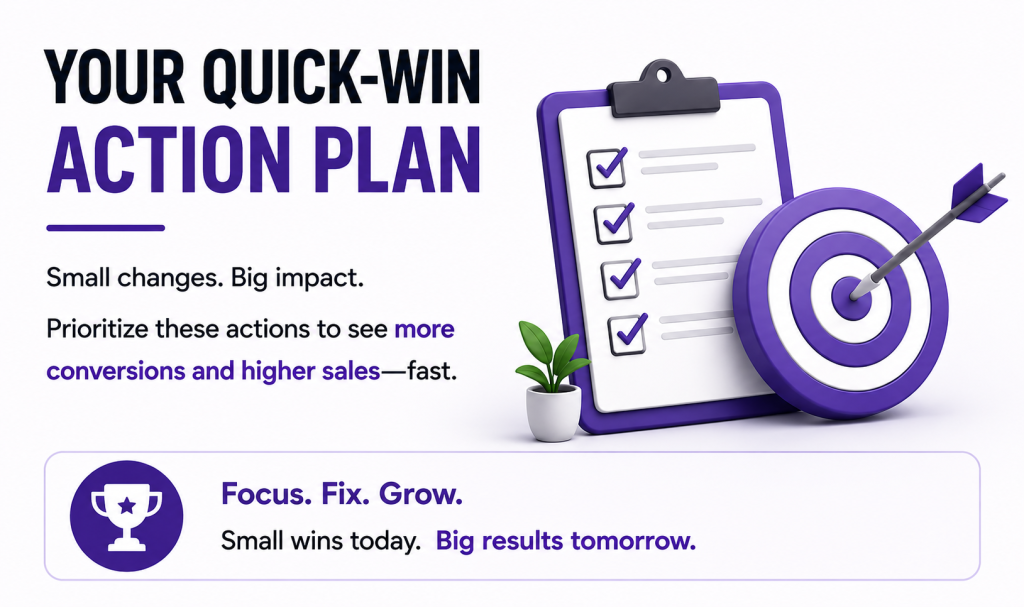
| Priority | Action | Expected Impact |
| 🔴 Critical | Test your store on mobile and fix broken layouts | +15-30% mobile conversions |
| 🔴 Critical | Compress all images and remove unused apps | +8% conversion per 0.1s speed gain |
| 🟡 High | Rewrite your top 10 product descriptions with benefits | +20-40% product page conversions |
| 🟡 High | Enable guest checkout + show all fees upfront | -20% cart abandonment |
| 🟢 Medium | Set up GA4 and review your top exit pages | Data-driven optimisation |
| 🟢 Medium | Simplify navigation to 5-7 main categories | Lower bounce rate, higher engagement |
Final Thoughts
A successful Shopify store requires more than great products. It demands a fast, reliable website, an intuitive user experience, strong product pages, effective SEO, a smooth checkout process, and relentless optimisation.
The good news? Most of these problems are fixable, and many can be solved this week.
Start here: pick three mistakes from this list. Fix them. Track your conversion rate before and after. Then pick three more.
Your sales are waiting on the other side of action. Don’t let avoidable mistakes keep costing you customers.
Ready to fix what’s costing you sales? Contact us today for a free quote, and let’s turn these mistakes into conversions.
