

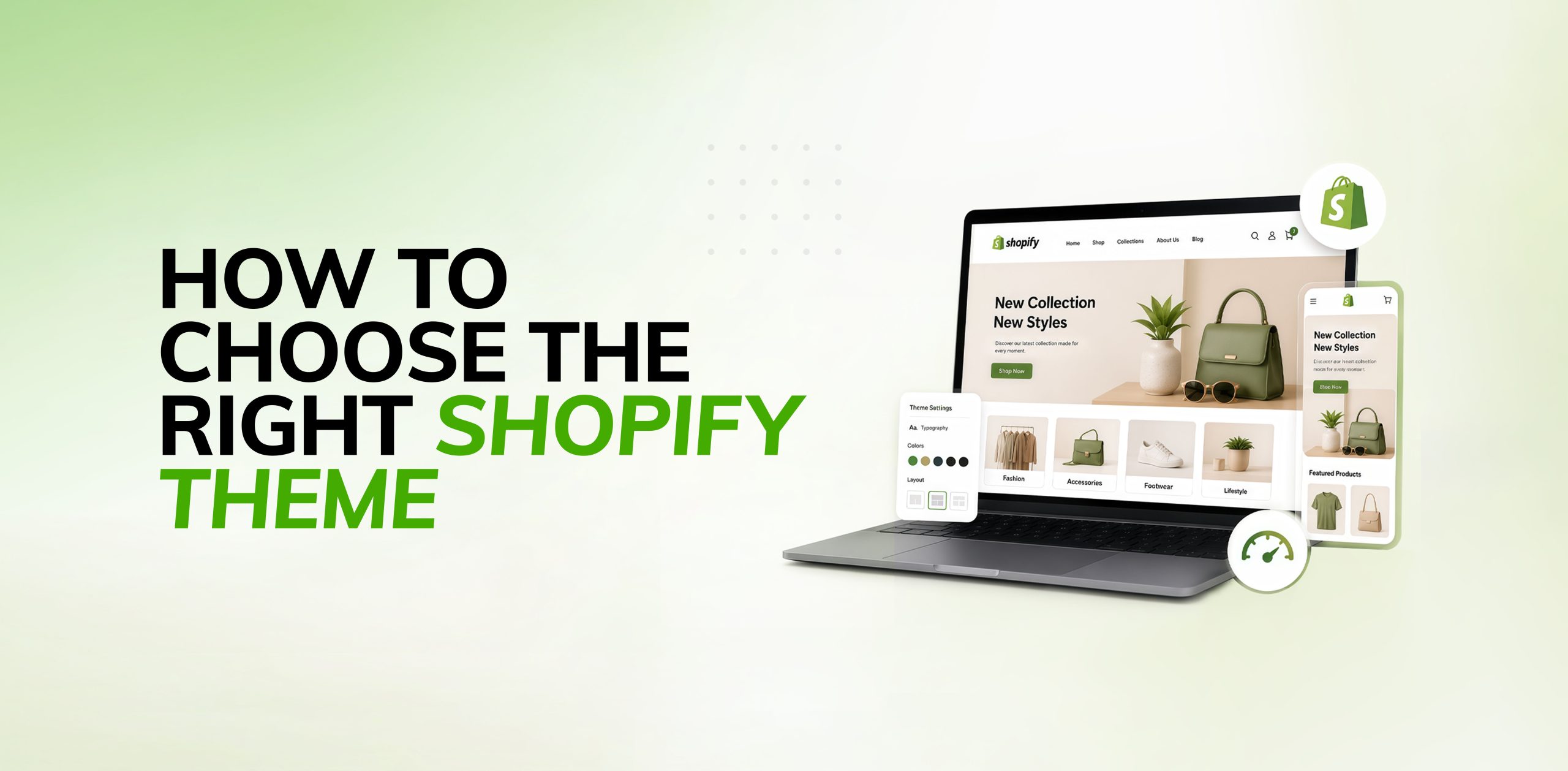
Your Shopify theme does much more than make your store look good. It shapes how customers browse your products, interact with your brand, and ultimately decide whether to make a purchase. The right theme makes navigation easy, builds trust, loads quickly, and creates a smooth shopping experience that can help boost sales. The wrong one, however, can frustrate visitors with slow performance, confusing layouts, and a poor overall experience.
With so many free and paid Shopify themes available, choosing the right one isn’t always easy. Every theme comes with its own design, features, and customisation options, so it’s worth looking beyond appearance. The best theme is one that fits your business needs, supports your goals, and provides a great experience for your customers.
In this guide, we’ll cover the most important factors to consider so you can choose a Shopify theme that’s the right fit for your business.
Why Choosing the Right Shopify Theme Matters
Your website is often the first interaction customers have with your brand. Within a few seconds, visitors decide whether to continue browsing or leave your store. A professionally designed Shopify theme creates a positive first impression while making it easier for customers to find products and complete purchases.
A good Shopify theme also contributes to:
- Faster page loading speeds
- Better mobile shopping experience
- Improved search engine rankings
- Higher customer engagement
- Increased conversion rates
Instead of selecting a theme based only on appearance, focus on how it supports your business objectives and customer needs.
1. Understand Your Business Requirements
Before browsing Shopify themes, clearly define your business needs.
Ask yourself:
- What products do you sell?
- How many products will your store have?
- Who is your target audience?
- What features are essential for your business?
- Do you plan to expand your product catalog in the future?
For example, a fashion brand may require lookbooks, quick-view functionality, and product videos, while a furniture store may benefit from large image galleries and advanced product filtering.
Choosing a theme that matches your business model will save time and reduce the need for extensive customisation later.
2. Choose a Theme That Fits Your Industry
Different industries have different design requirements. Shopify offers themes specifically designed for various business types, including fashion, beauty, electronics, food, furniture, and home decor.
When evaluating themes, consider whether the layout complements your products. High-quality product images, organised collections, and intuitive navigation can significantly improve the shopping experience.
A theme designed for your industry already includes many features your customers expect, reducing the need for additional apps.
3. Prioritise Mobile Responsiveness
More than half of online shoppers browse and purchase products using mobile devices. That’s why choosing a mobile-responsive Shopify theme is essential.
A responsive theme automatically adjusts to different screen sizes, ensuring customers enjoy a seamless experience whether they’re shopping on a smartphone, tablet, or desktop.
When previewing a theme, check:
- Navigation menus
- Product pages
- Checkout flow
- Image quality
- Button placement
A mobile-friendly design not only improves user experience but also supports better search engine rankings.
4. Focus on Speed and Performanc
Website speed directly impacts user satisfaction and conversions. Studies consistently show that even a one-second delay in page loading can increase bounce rates and reduce sales.
Look for Shopify themes that prioritise performance through:
- Lightweight code
- Optimised layouts
- Minimal unnecessary animations
- Efficient image handling
Avoid selecting themes overloaded with excessive visual effects if they compromise loading speed. A fast, clean website creates a better shopping experience and improves SEO performance.
5. Evaluate Built-in Features
Every Shopify theme comes with different built-in features. Choosing a theme with the functionality you need can reduce your reliance on third-party apps.
Useful features include:
- Advanced product filtering
- Mega menu navigation
- Product recommendations
- Image galleries
- Quick view
- Sticky header
- Product videos
- Customer reviews integration
- Promotional banners
The more features your theme provides, the fewer apps you’ll need to install, helping maintain better website performance.single admin. The full case for Shopify POS in retail is worth reading alongside this update.
6. Look for SEO-Friendly Design
Search engine optimisation starts with your website’s structure, and your Shopify theme plays an important role.
An SEO-friendly Shopify theme should include:
- Clean HTML structure
- Proper heading hierarchy
- Fast loading speed
- Mobile responsiveness
- Optimised image handling
- Schema markup support
While Shopify includes many SEO features by default, choosing a well-coded theme makes it easier for search engines to crawl and index your content.
A theme optimised for SEO gives your store a stronger foundation for achieving better visibility in search results.
7. Check Customisation Options
Every business has its own identity, so your Shopify theme should allow you to customise your store without requiring advanced coding knowledge.
Look for themes that offer flexible customisation options, such as:
- Color settings
- Typography controls
- Homepage sections
- Custom banners
- Collection layouts
- Product page templates
The Shopify Theme Editor allows merchants to personalise many aspects of their store. Selecting a flexible theme ensures your website can evolve as your business grows.
8. Free vs Premium Shopify Themes
One common question for new merchants is whether to choose a free or premium Shopify theme.
Free Themes
Free Shopify themes are ideal for startups and small businesses. They offer reliable performance, responsive design, and essential ecommerce features.
Pros
- No additional cost
- Official Shopify support
- Easy to use
- Fast performance
Cons
- Limited customisation
- Fewer advanced features
- Less unique designs
Premium Themes
Premium themes provide more design flexibility, advanced features, and industry-specific layouts.
Pros
- Professional appearance
- Advanced customisation
- Better merchandising features
- More unique layouts
Cons
- Higher initial investment
- May include features you don’t need
If your budget allows and your store has specific requirements, investing in a premium theme can provide long-term value.
9. Read Reviews and Test the Demo
Never choose a Shopify theme without testing it first.
Spend time exploring the live demo and evaluate:
- Navigation
- Mobile experience
- Product pages
- Collection pages
- Checkout flow
- Loading speed
Also read customer reviews to understand the experiences of other merchants. Reviews often highlight strengths and potential limitations that aren’t immediately visible in the demo.
10. Think About Future Growth
Your business will likely grow over time, so choose a Shopify theme that can grow with it.
Consider whether the theme can support:
- Larger product catalogs
- International selling
- Additional collections
- New marketing features
- Seasonal promotions
- Third-party app integrations
Choosing a scalable theme helps avoid expensive redesigns in the future.
Common Mistakes to Avoid
Many merchants make similar mistakes when selecting a Shopify theme. Avoid these common pitfalls:
- Choosing a theme based only on appearance
- Ignoring website speed
- Installing too many apps to compensate for missing features
- Not testing the mobile version
- Overlooking customisation options
- Ignoring customer reviews
- Failing to plan for future business growth
Selecting a theme should be a strategic business decision rather than simply a design preference.
Final Thoughts
Choosing the right Shopify theme is an important decision that can have a lasting impact on your store’s success. While it’s tempting to focus on how a theme looks, it’s just as important to consider how it performs. A good theme should be easy to navigate, load quickly, work well on mobile devices, and be flexible enough to grow alongside your business.
Before making your choice, think about what your store needs now and what it might need in the future. Consider the features you require, the experience you want to create for your customers, and how the theme supports SEO and overall performance. Spending a little extra time comparing your options now can help you avoid costly changes later.
Whether you’re building a new Shopify store or giving an existing one a fresh look, choosing the right theme provides a solid foundation for a better shopping experience, stronger search visibility, and more opportunities to convert visitors into customers.
Ready to find your perfect Shopify theme?
Let Sweans’ Shopify experts help you choose and customise a theme built for speed, mobile, and conversions. Get in touch now!

I am a skilled Shopify and WordPress developer with experience creating dynamic, responsive websites. I use tools like Elementor for fast development and WooCommerce for functionality. Proficient in front-end and back-end development, I deliver user-friendly and functional websites. My focus is on meeting client goals with seamless performance and great design.
